
How it works
You share the details. We do the rest.
No software to learn. Here is what happens, from sign-up to your first booking.
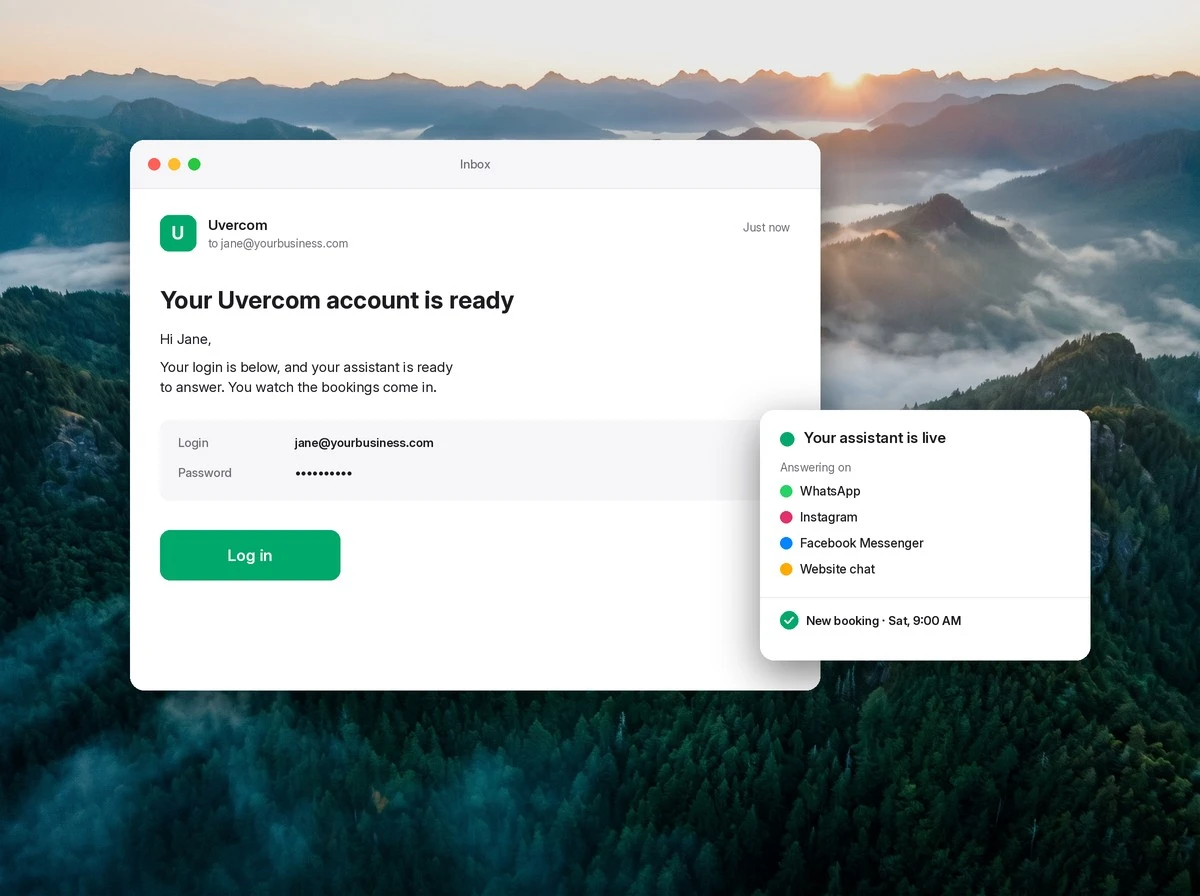
Live in 4 steps.
1
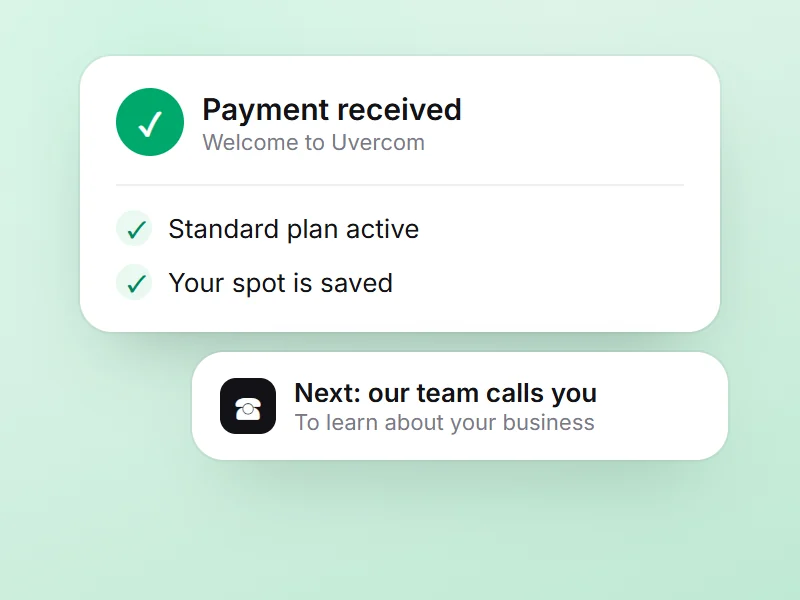
Sign up.
Pick the Standard plan and pay with PayPal. About a minute.
2
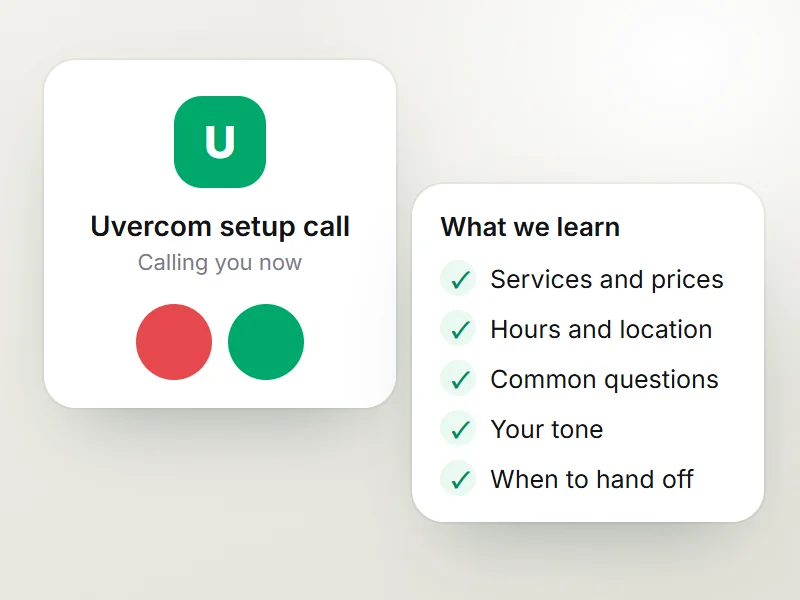
We call you.
We learn your services, prices, hours and how you talk to customers.
3
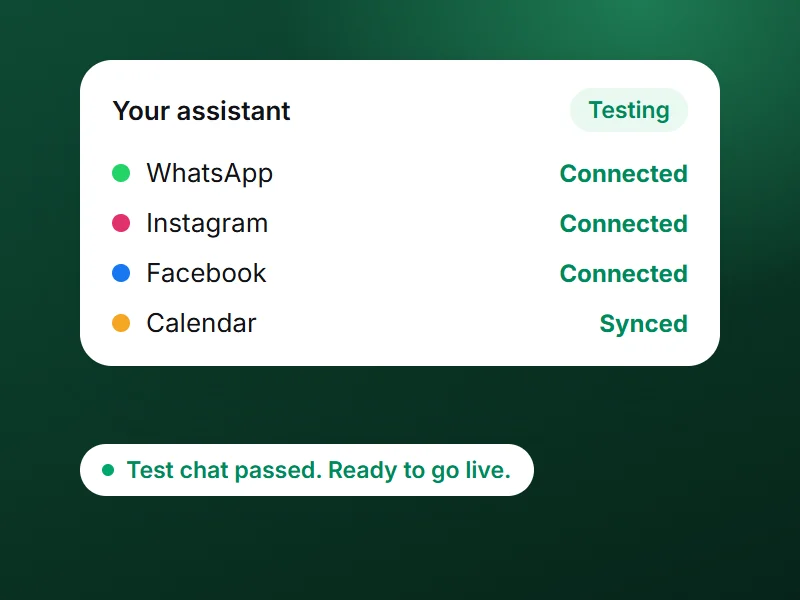
We build it.
We connect your channels, set up your calendar and test every answer.
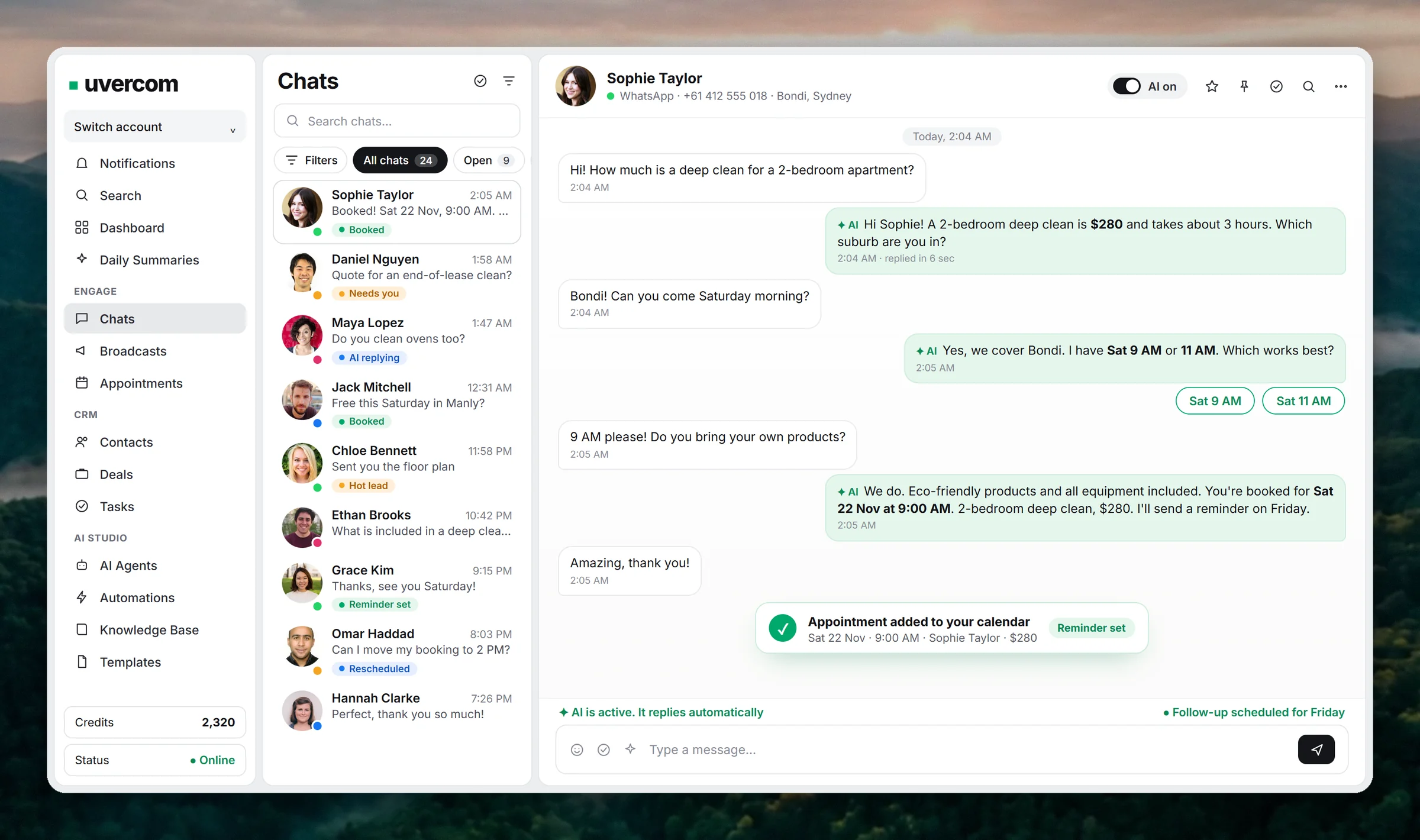
4
You go live.
Your login arrives by email. Watch chats and bookings in one inbox.
We need three things.
That's all. We handle the rest.
1
Access to your channels.
Your WhatsApp number, Facebook page, Instagram or website.
2
Your business info.
Prices, services, hours and policies. A photo of your price board works.
3
One person on the inbox.
Someone who picks up the chats it hands over.
When a customer messages, this happens.
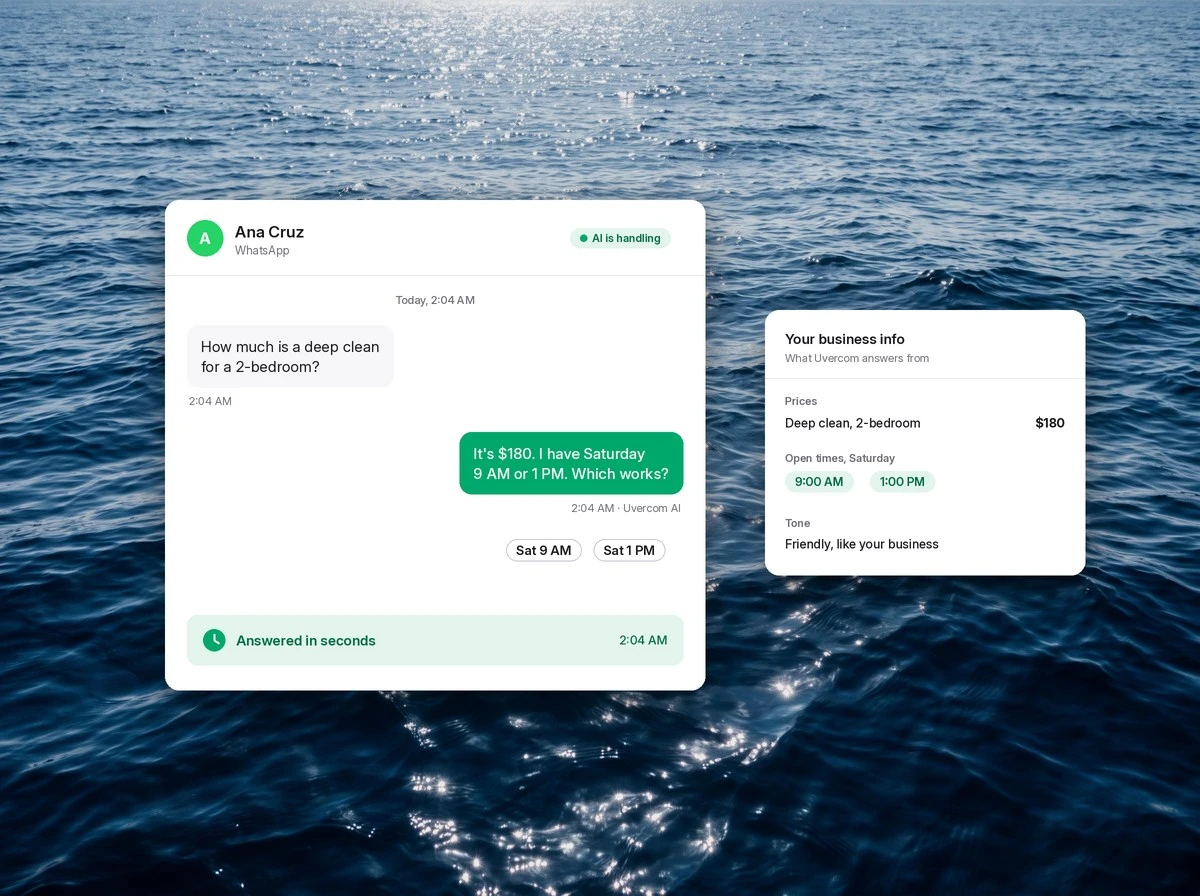
It replies in seconds, day or night.
With your real prices, in your tone. When they are ready, it books the slot in the chat.
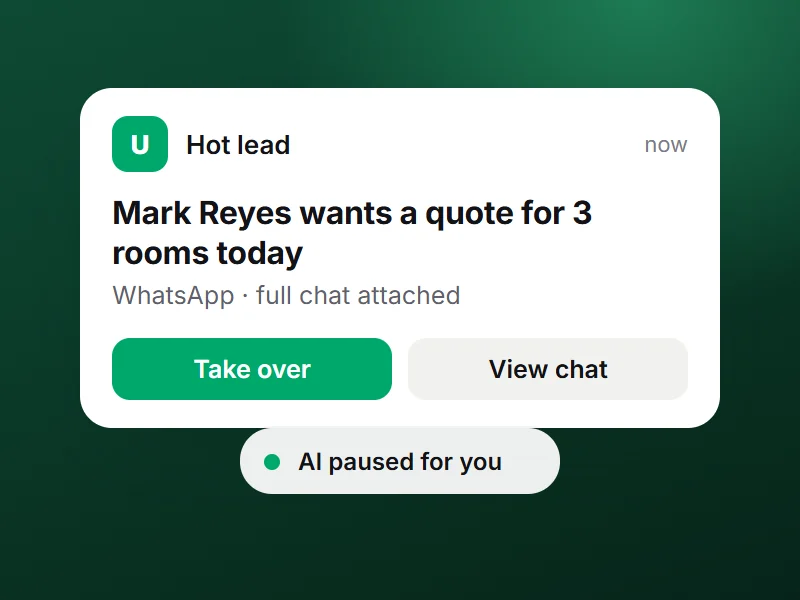
Need a person? Your team steps in.
Upset customer, tricky question or a ready buyer. Your team gets the chat with the full history.
We don't set it up and disappear.
We keep it running.
We look after your assistant so it keeps working well.
We update it.
New prices or holiday hours? Tell us in plain words.
We build new requests.
Want a new follow-up or promo? Describe it. We build it.
You get a morning summary.
What happened overnight, in a few lines.
How it works FAQ
Do I need to be technical?
No. If you can send a message, you're set. We do the technical work.
Do my customers need to download anything?
No. They message you where they already do: WhatsApp, Instagram, Facebook or your website.
Can I keep my current WhatsApp number?
Yes. We can connect your existing number by linking your phone, and you keep using WhatsApp on your phone as usual. If you'd rather use the official WhatsApp Business API, that needs a number that isn't in the WhatsApp app, so we'll help you set up a separate one.
Can I see everything the assistant says?
Yes. Every conversation is in your inbox, and you can step in at any time.
What if I want to change an answer?
Tell us. We'll update it.
Ready when you are.
Sign up, take one call with our team, and let your assistant handle tonight's messages.